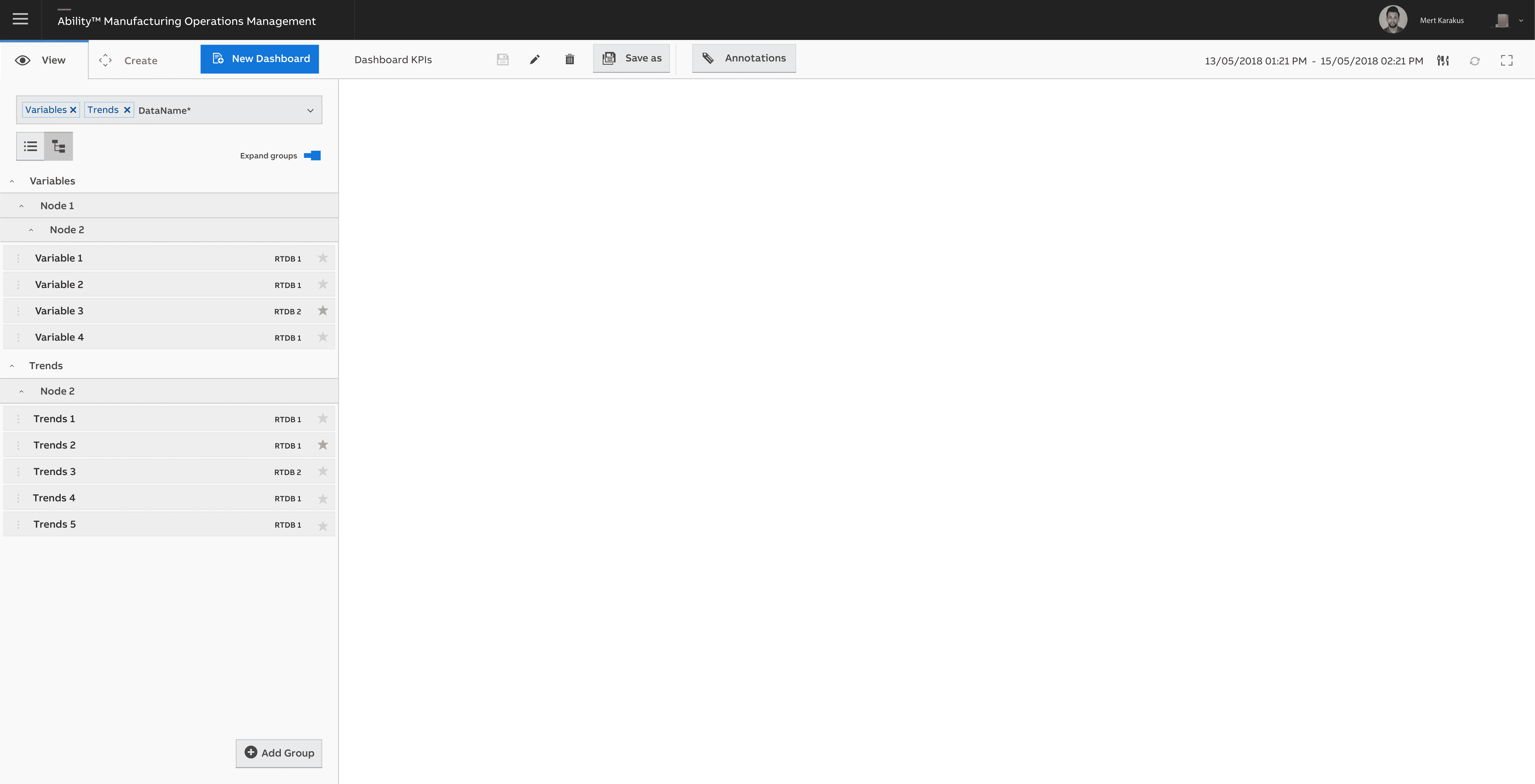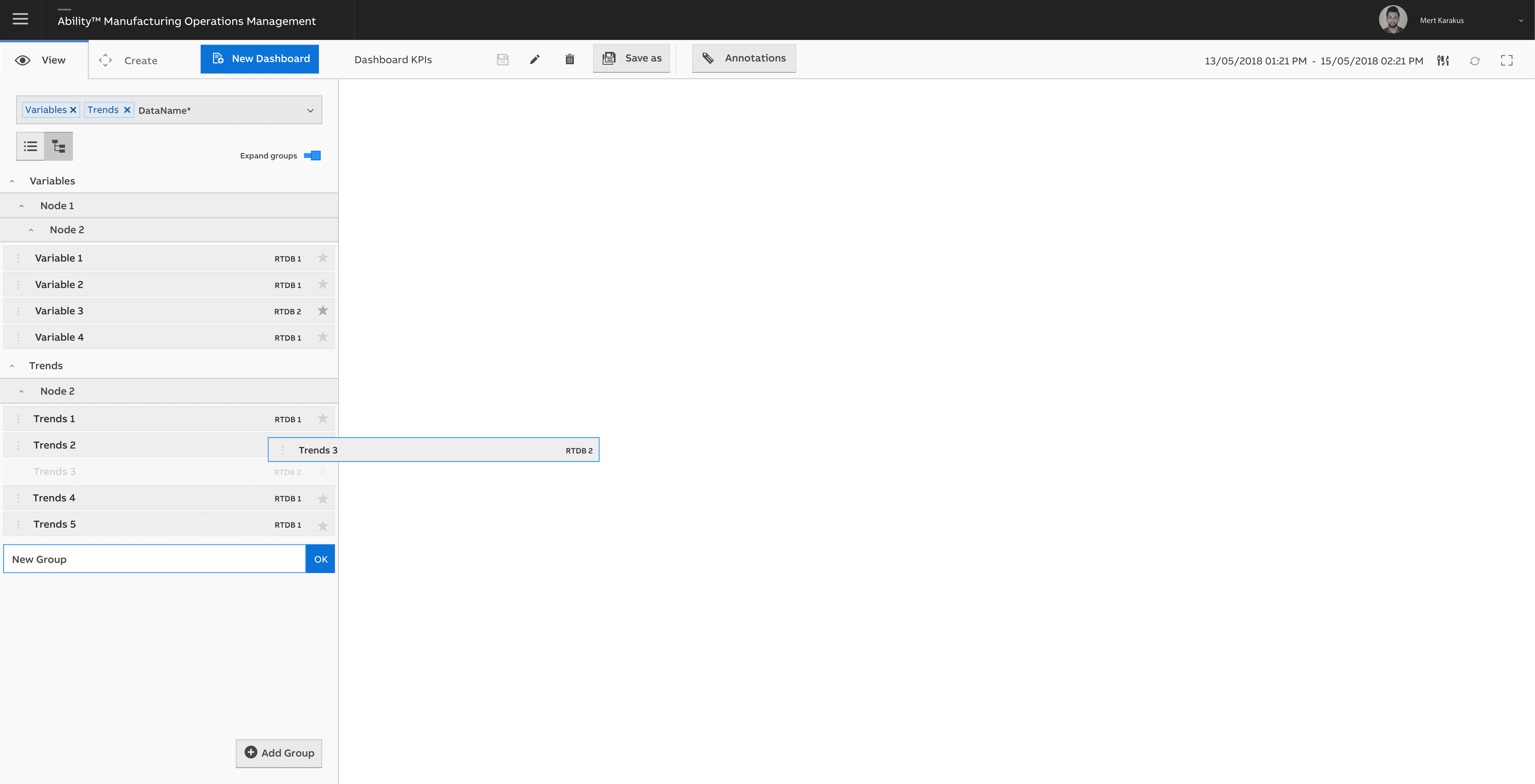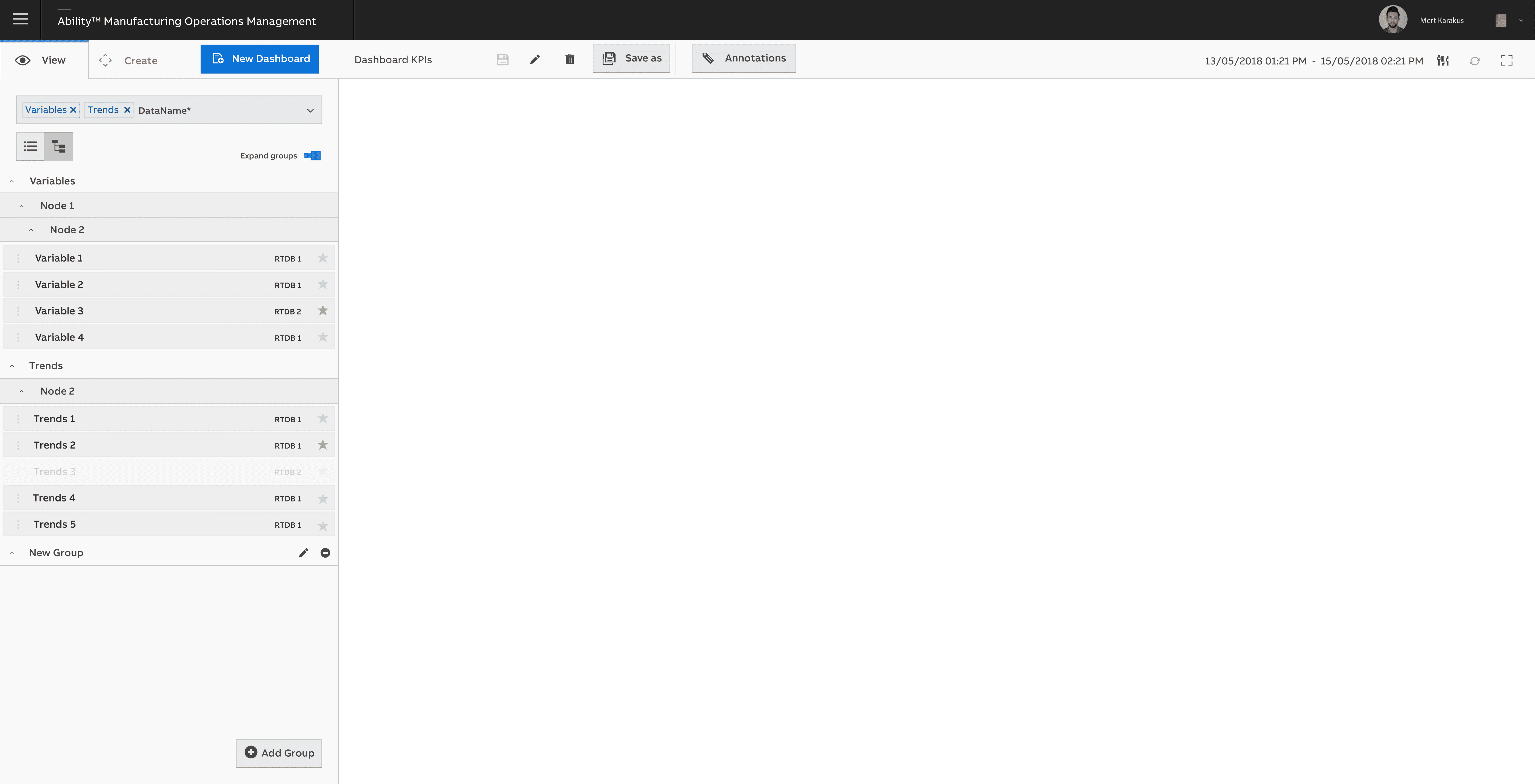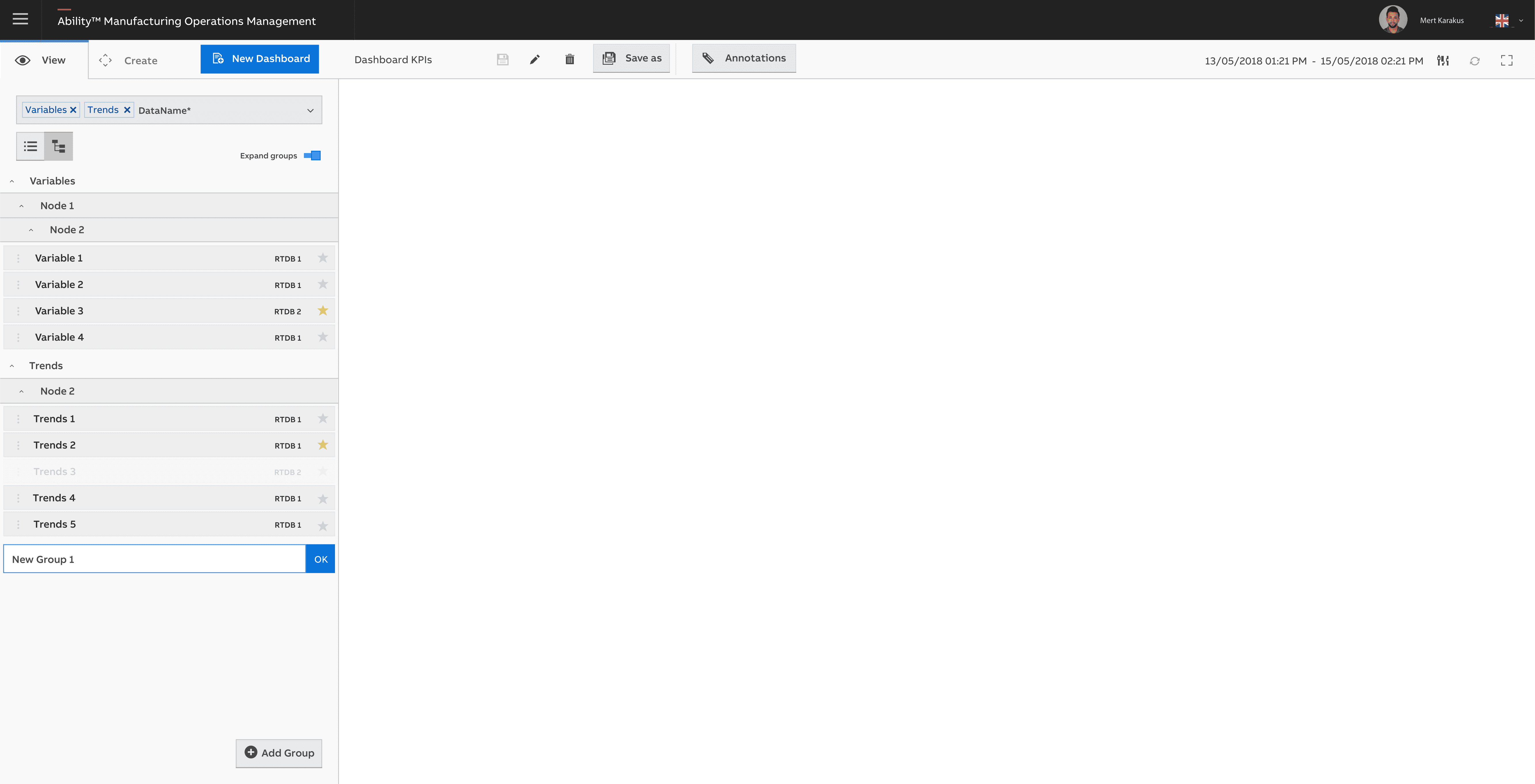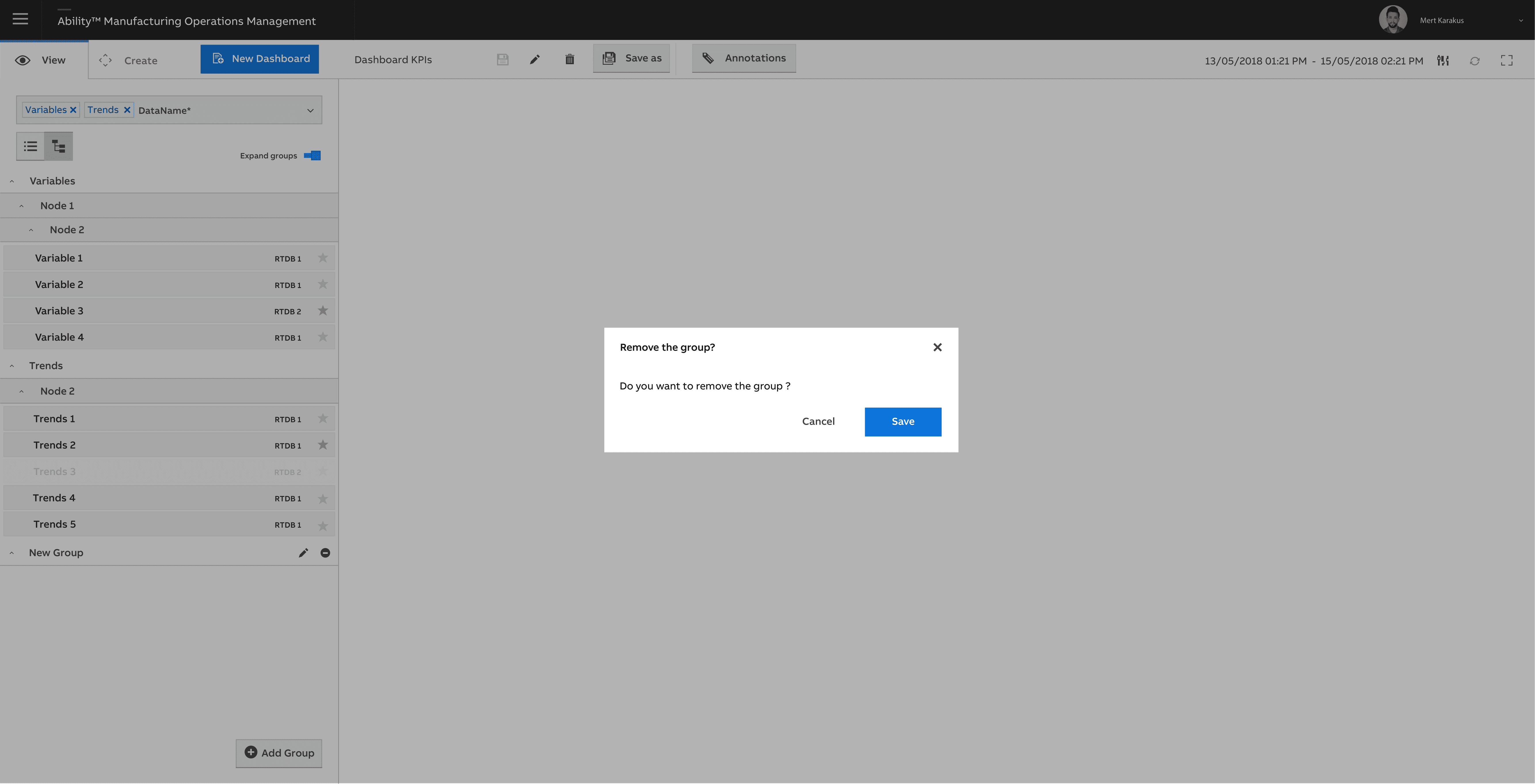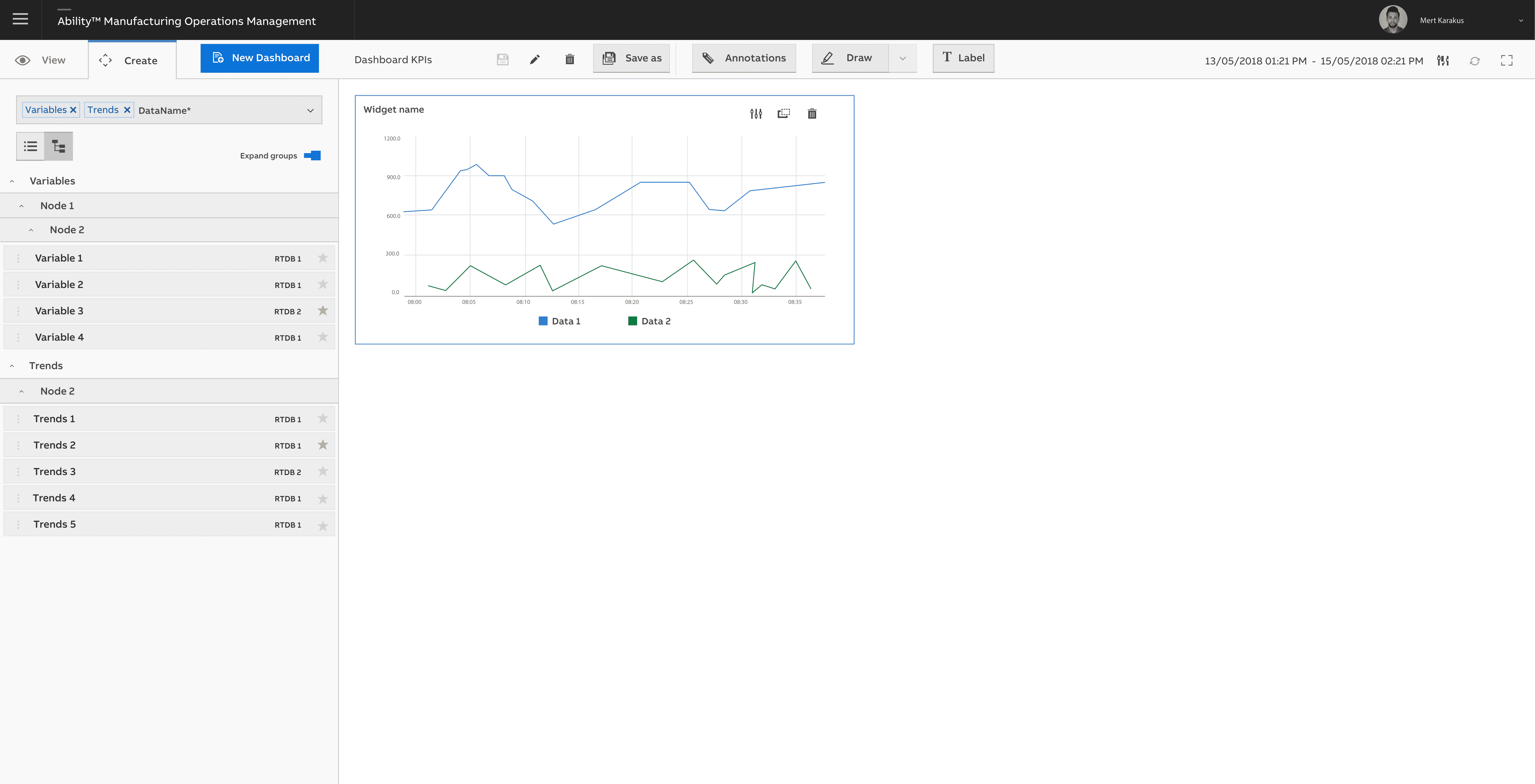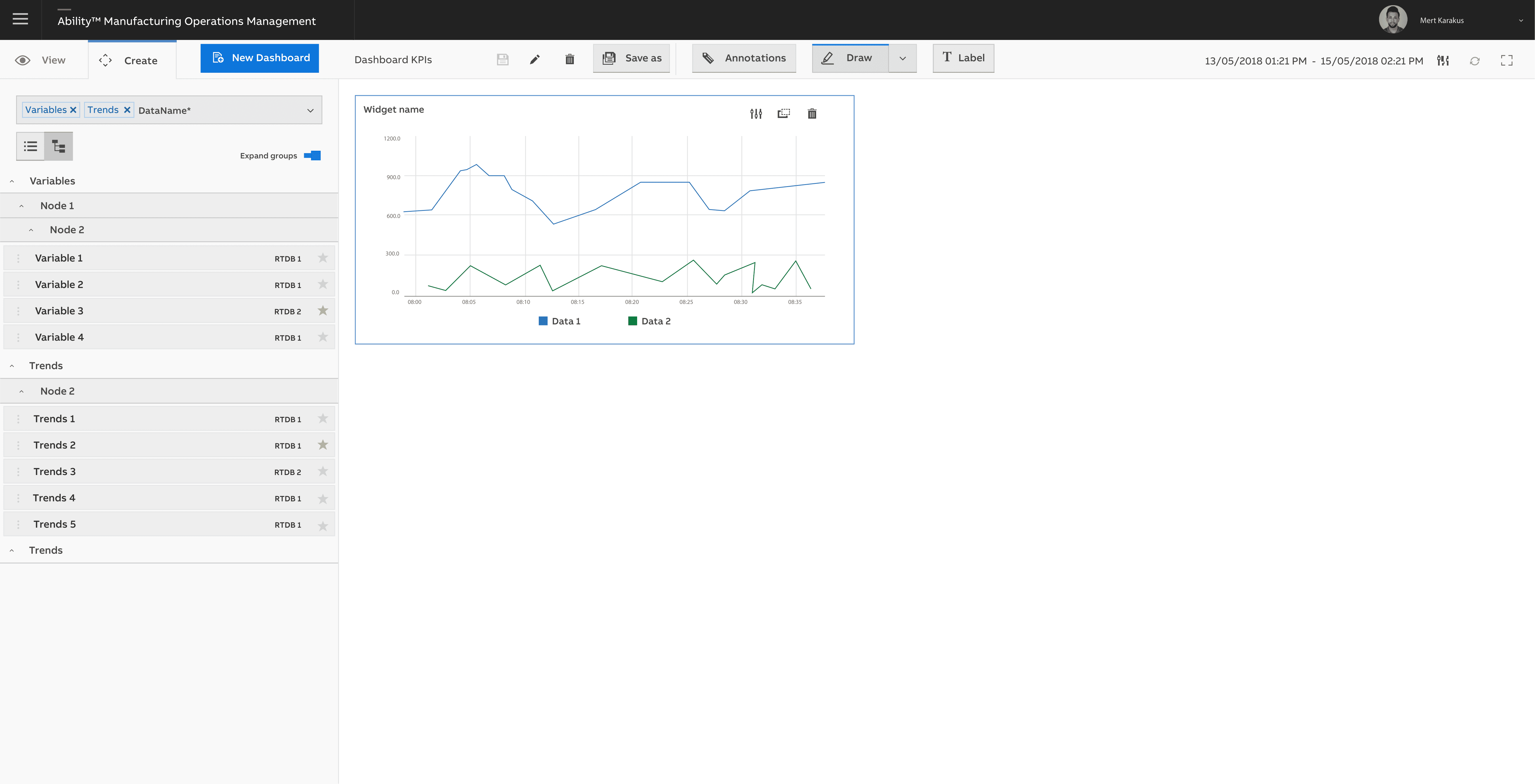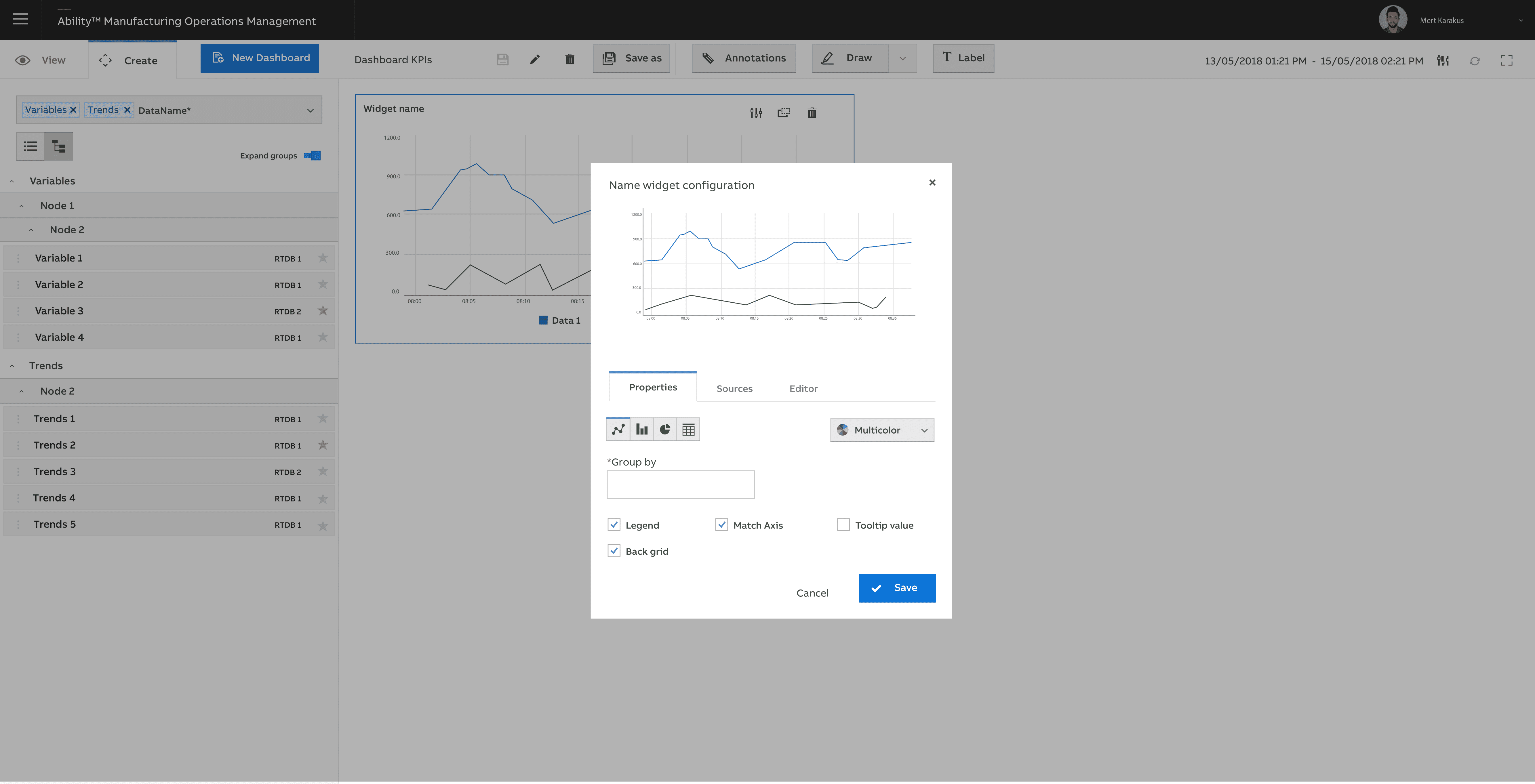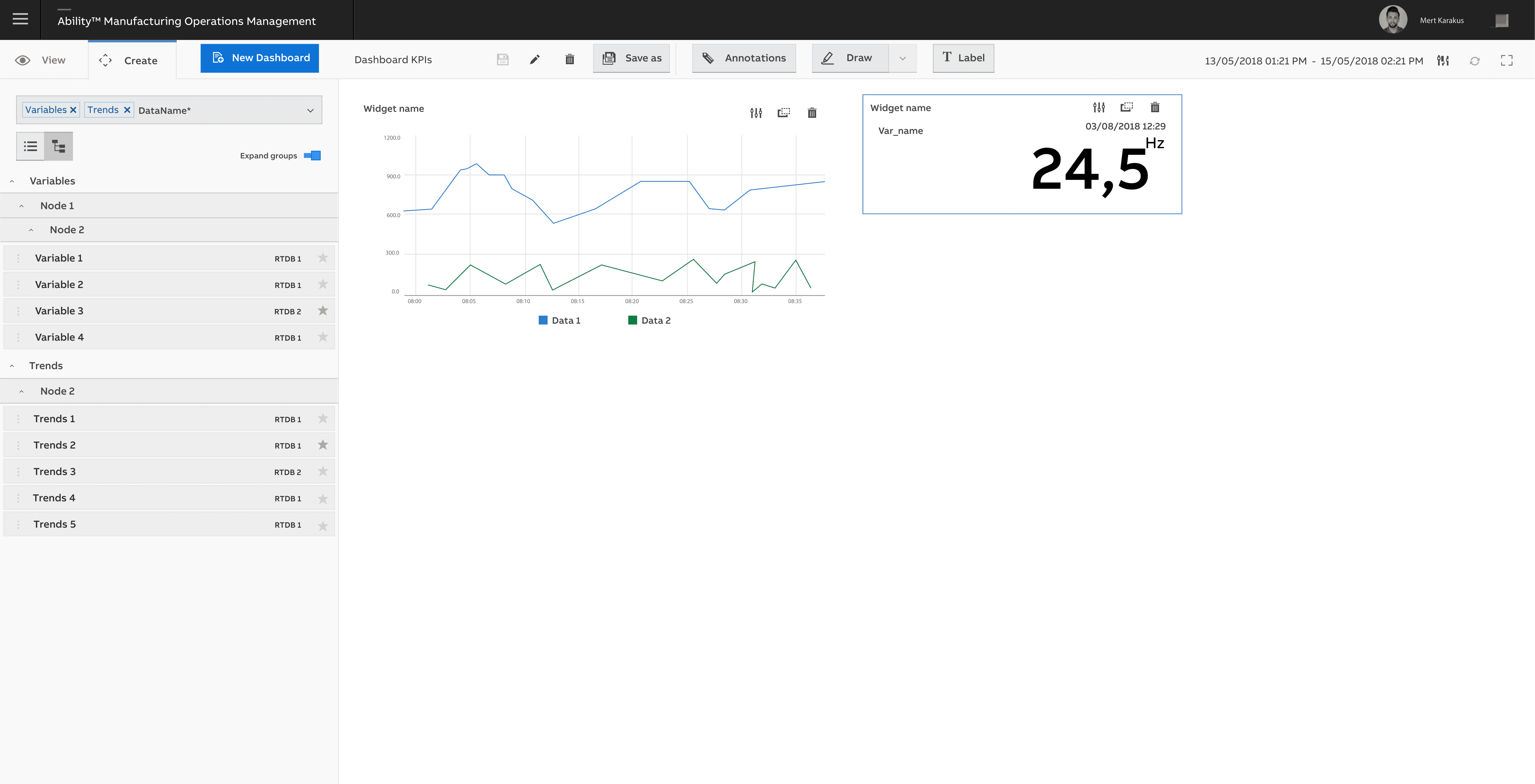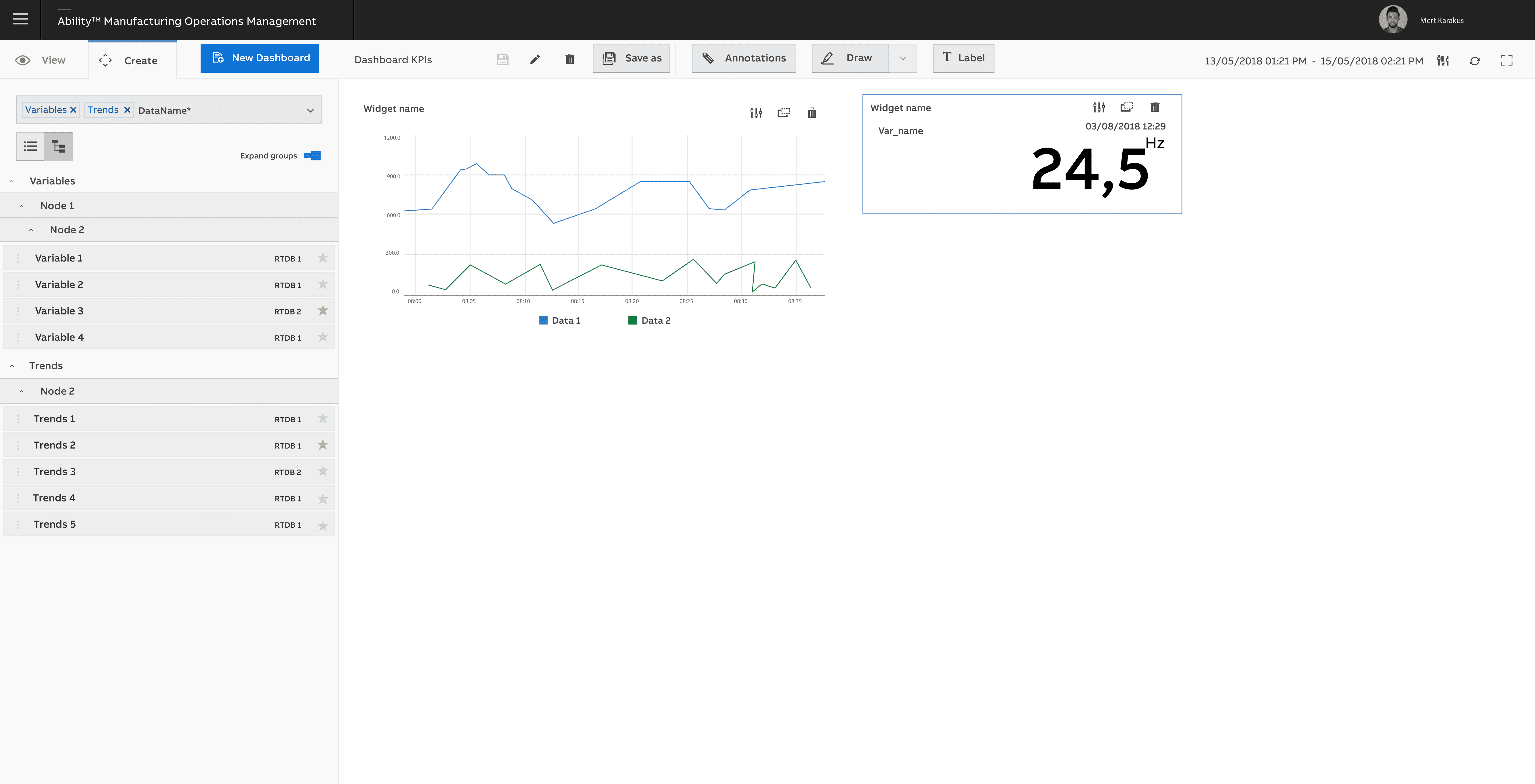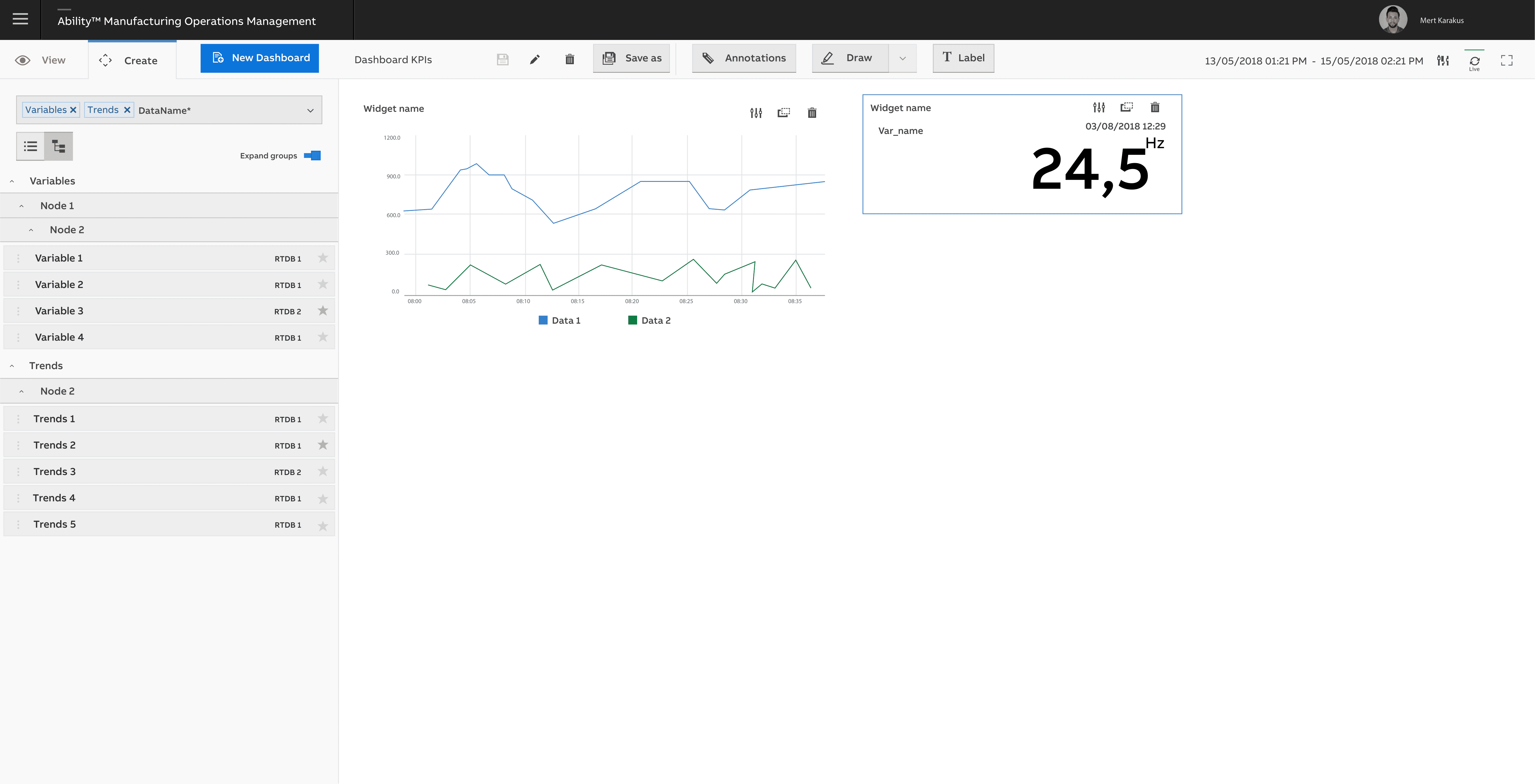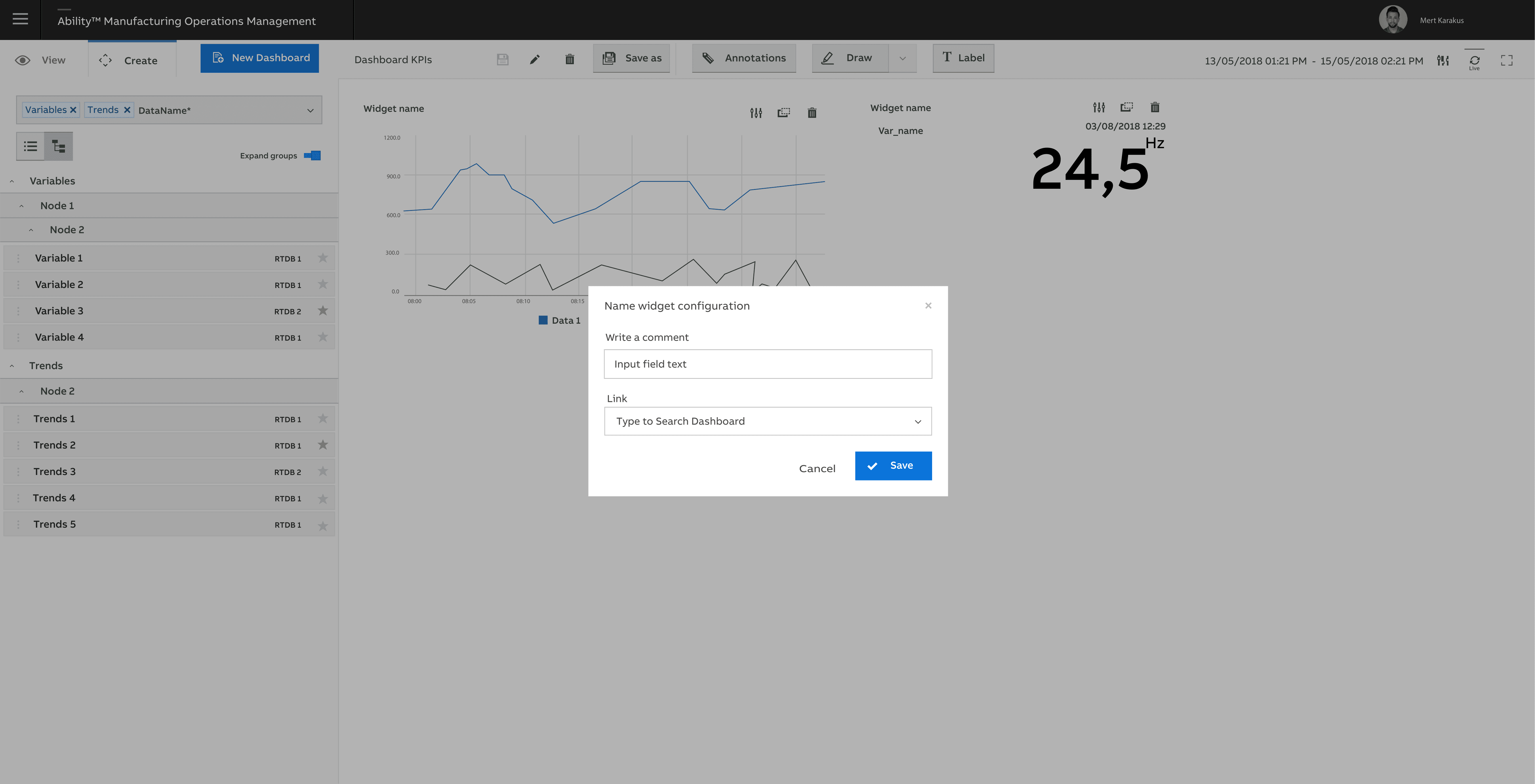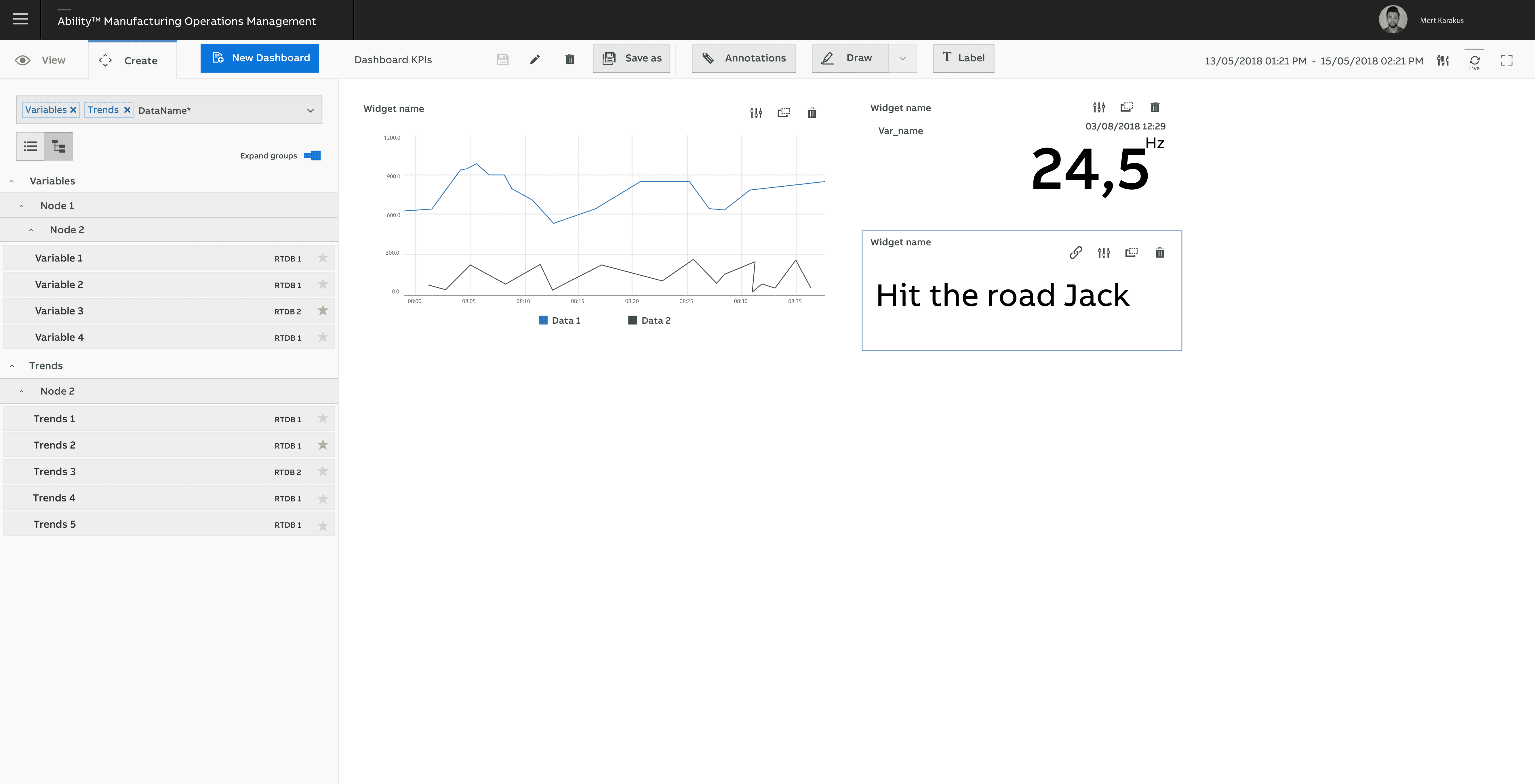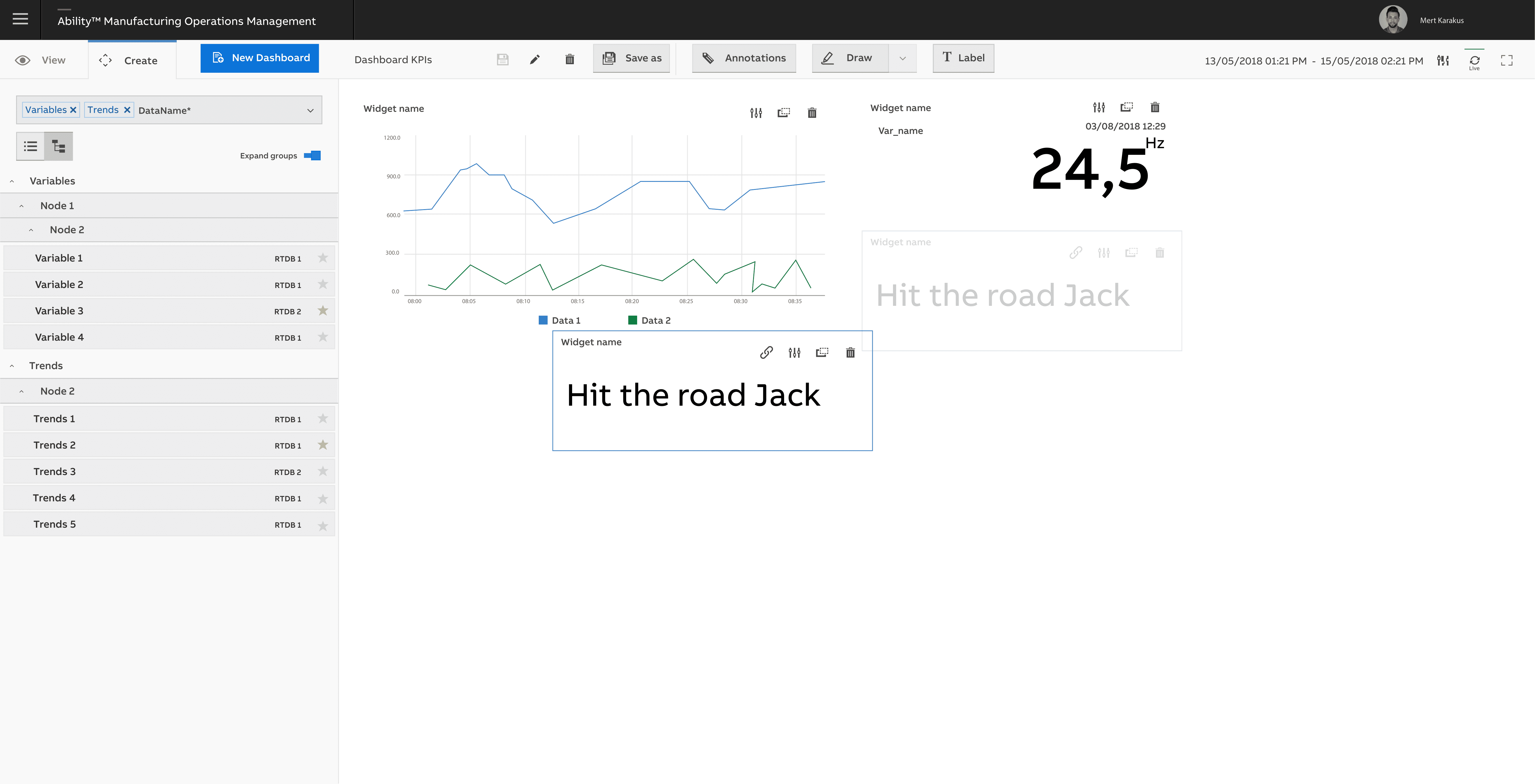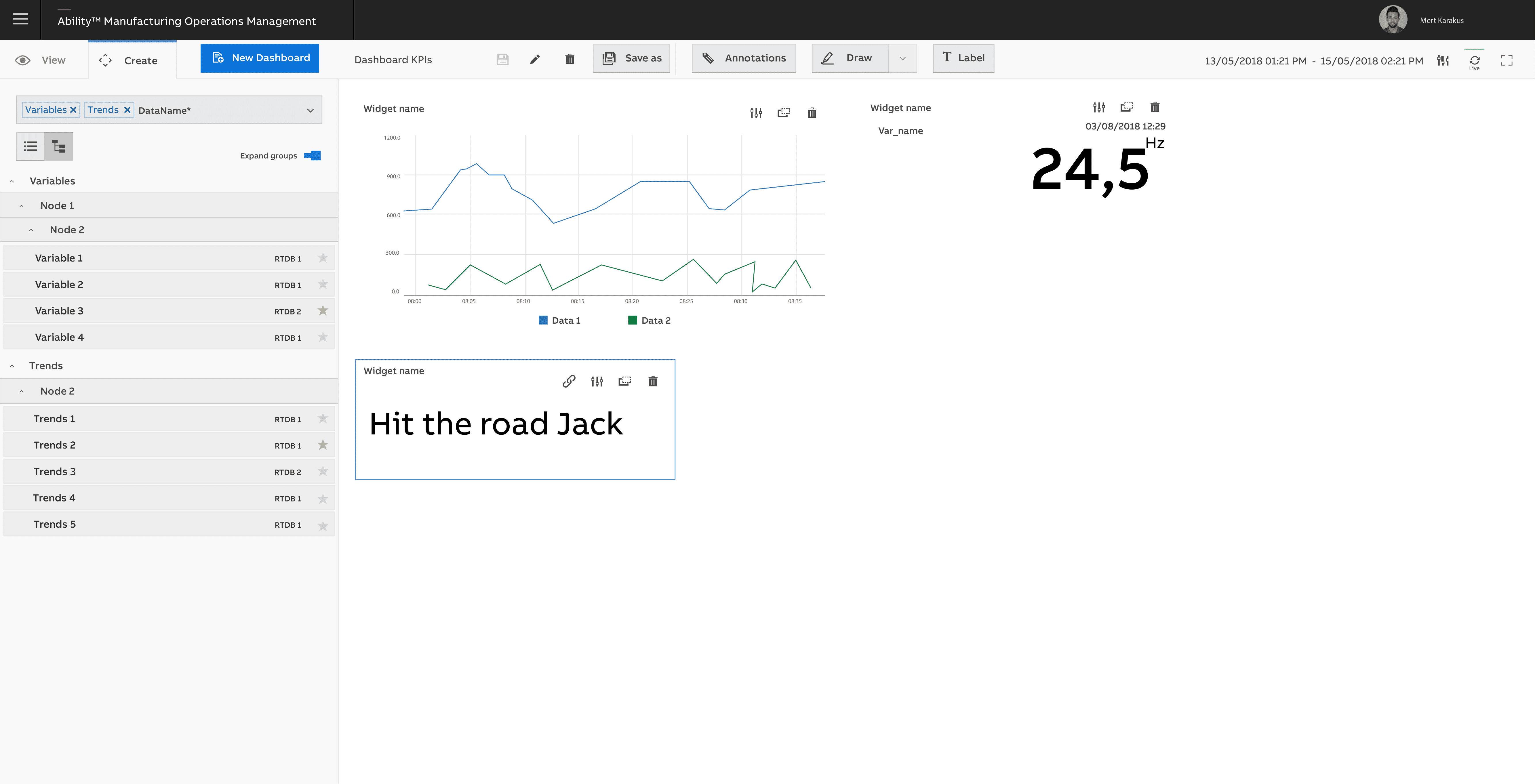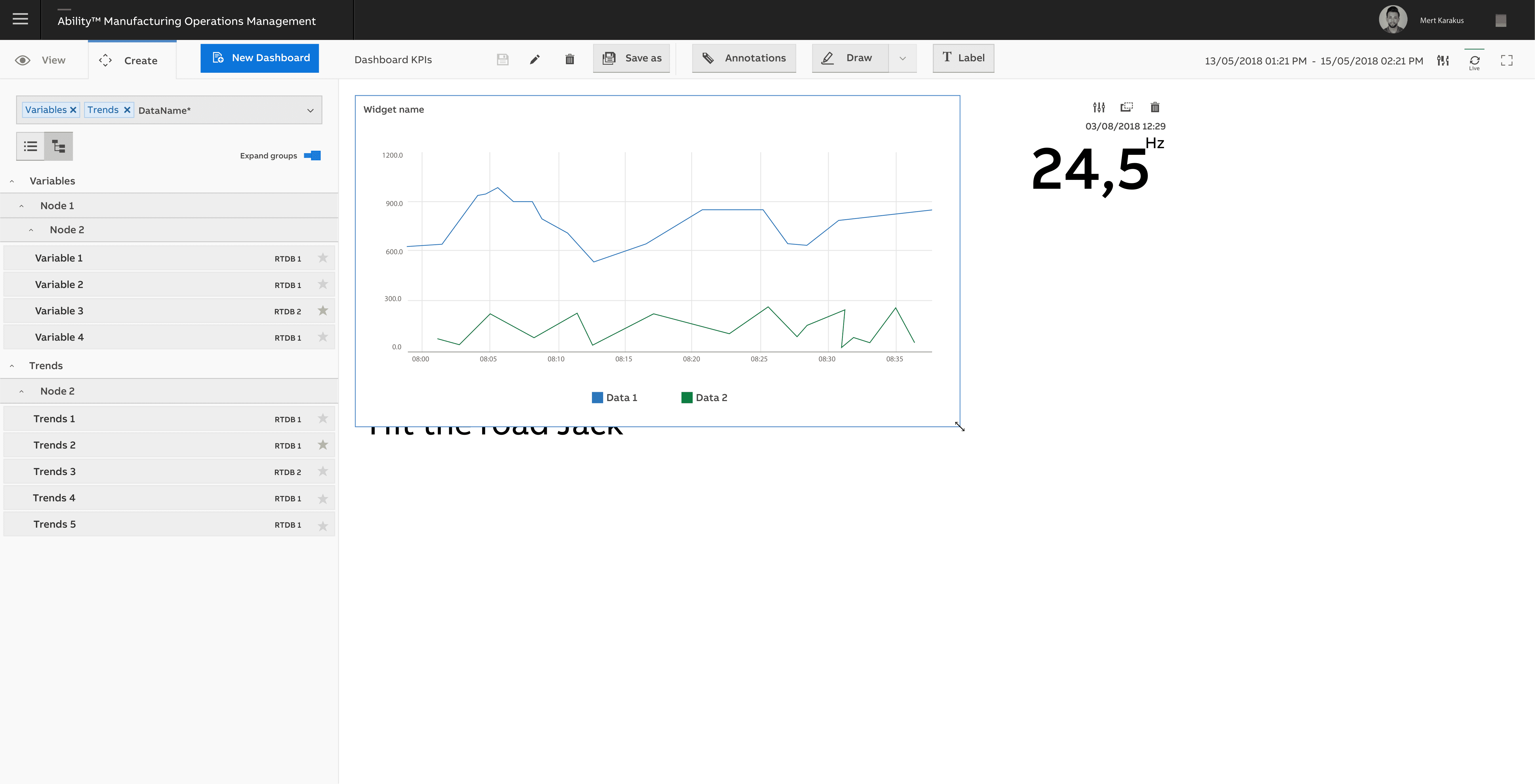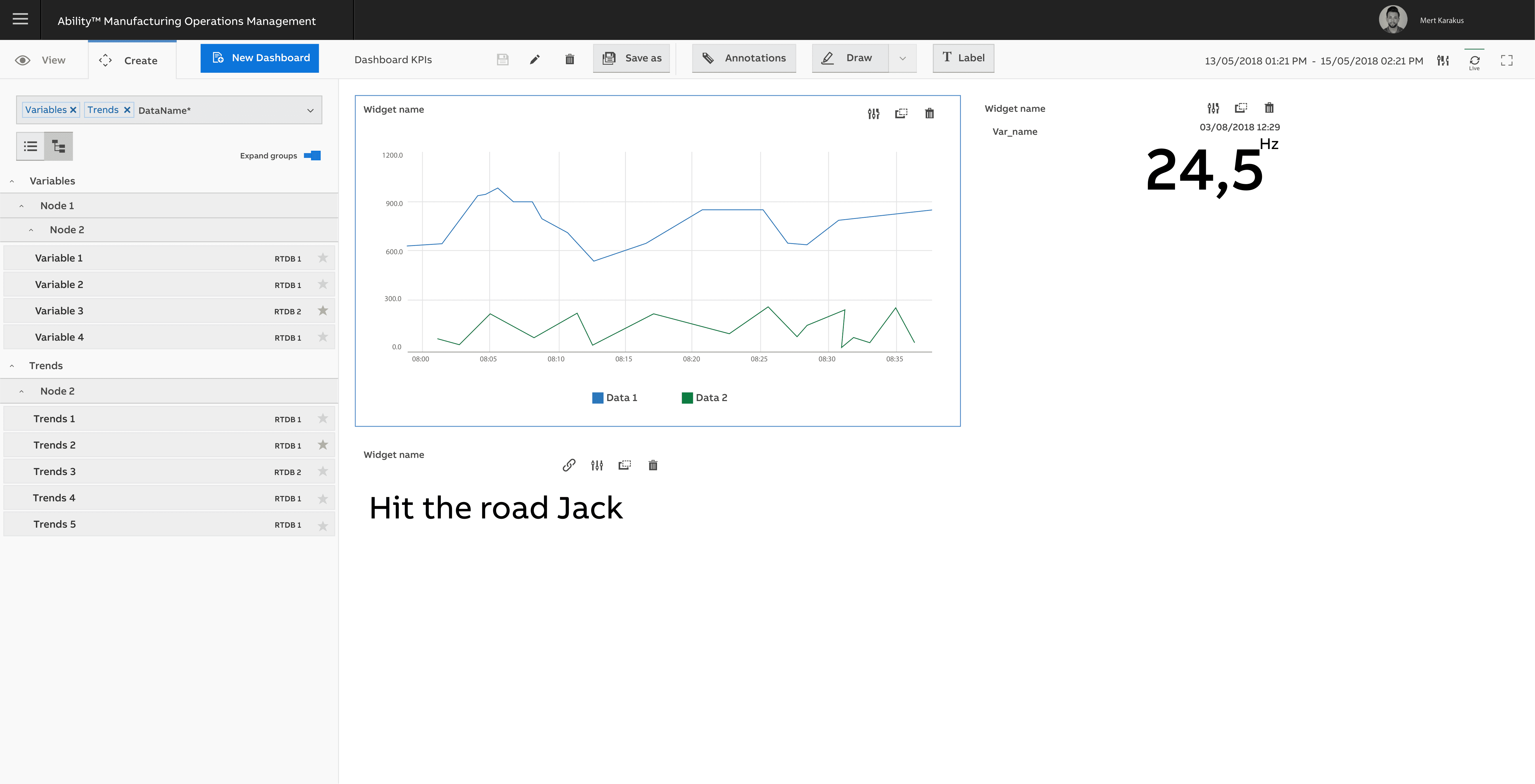



The Manufacturing Operations Management (MOM) Dashboard Application allows users to organize and analyze business-critical KPIs and production data on interactive dashboards. The intelligent search engine ensures fast access to all data across MOM applications. Users can easily save, reuse, organize, and share their dashboards. Dashboard is a web-based application that allows users to access their dashboards on any computer or tablet.
What's Dashboard Application?
How Does It Work?
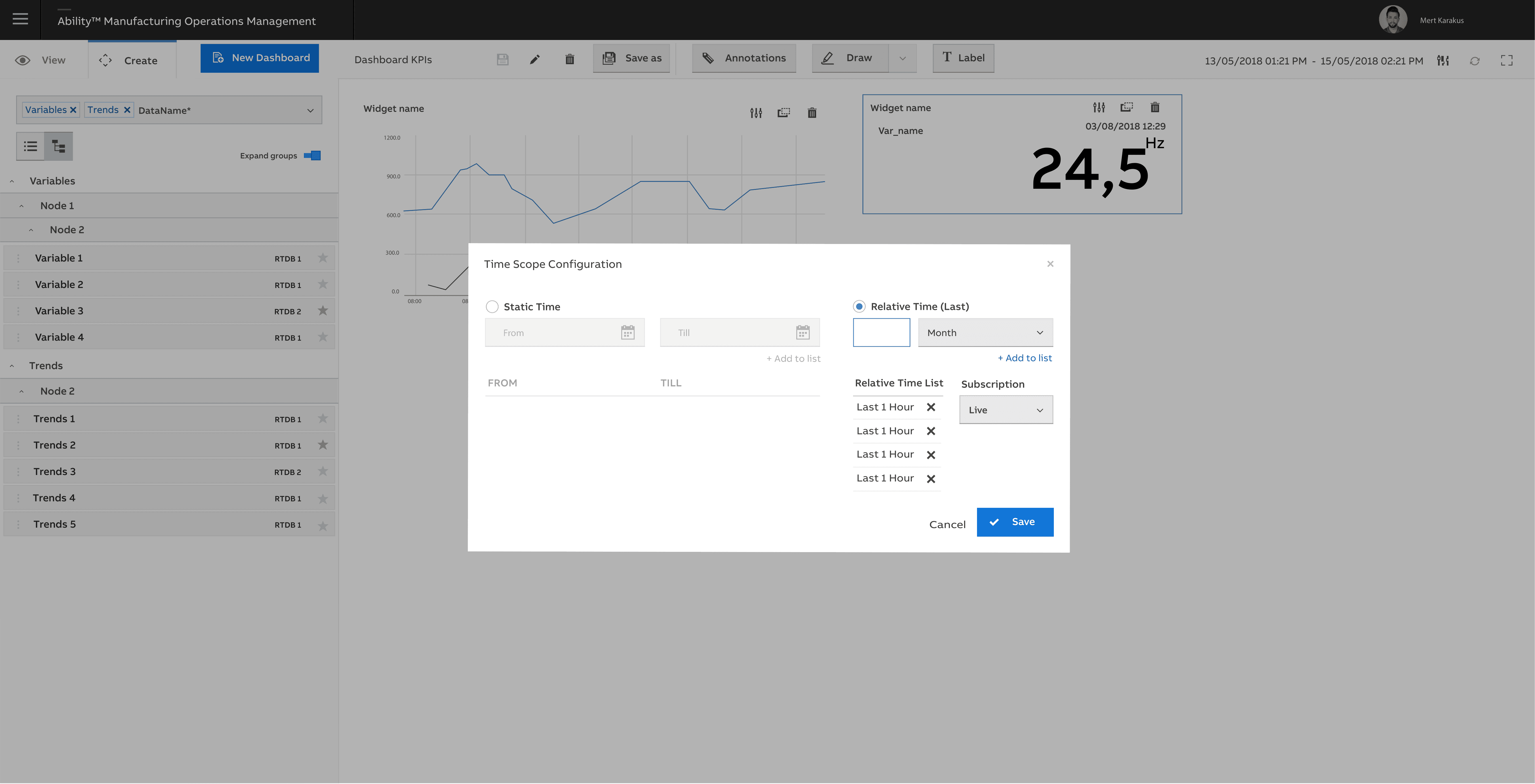
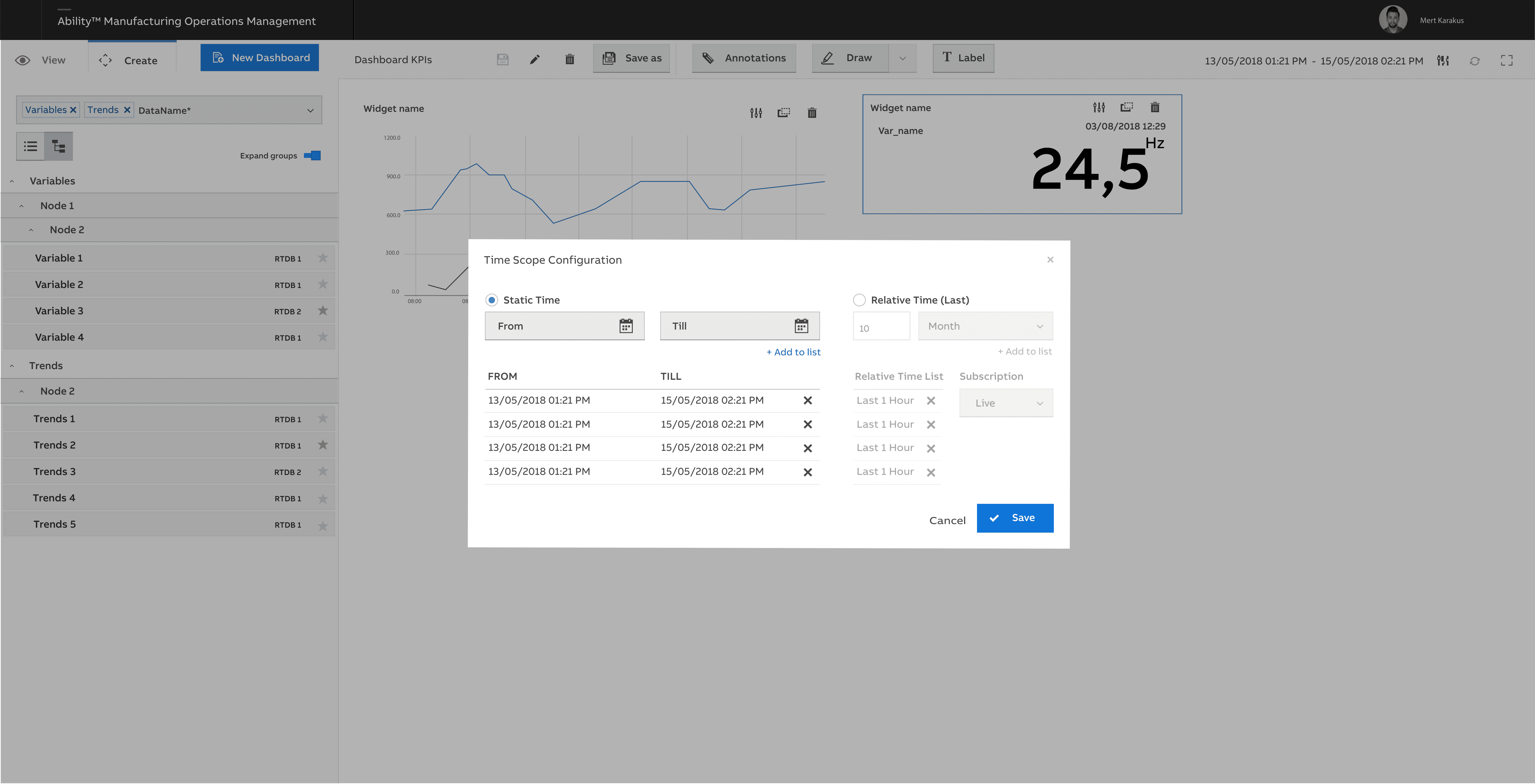
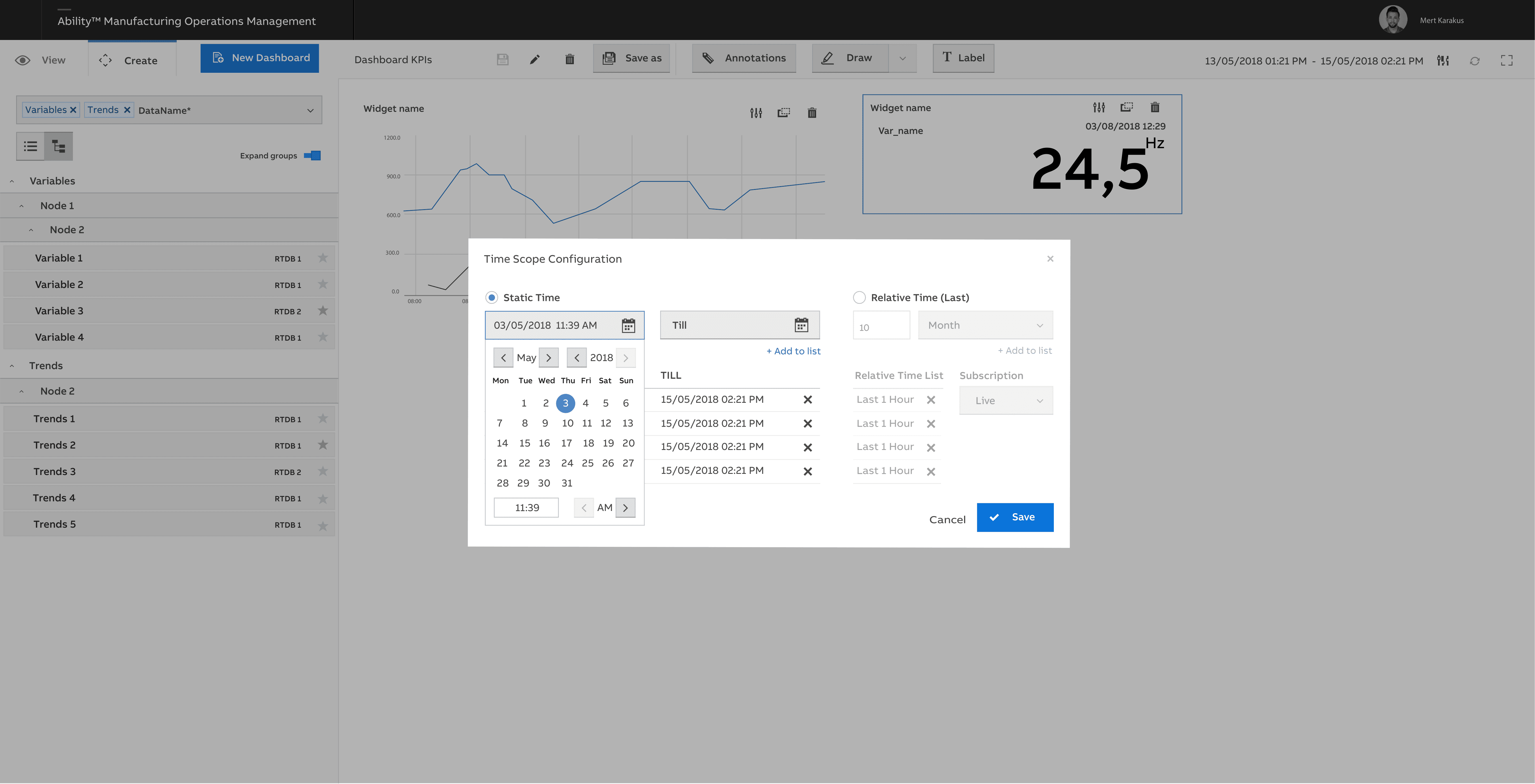
Dashboards are built in just a few minutes using the powerful search engine which allows users to simply search for data across all MOM Applications, reports, and external data sources. Preconfigured time scopes or the calendar function can filter relevant data. This allows users to combine and analyze data in any context needed. Dashboards can be saved and grouped into favorites.
Dashboards support view mode. In interactive mode, users can interact with the data in the Dashboard such as zoom and change settings in different graphs and trends. The user can switch back and forth between design and interactive mode to continuously modify and perform analysis. Interactive mode also supports duplication of data controls such as trends and graphs with a new time scope. This is very useful when analyzing abnormal situations when compared to the same data from a different time period. Using the powerful expression engine users can define dynamic widget styling to be aware of critical situations that require their attention.
The MOM Dashboard Application can be fully localized using standard MOM NLS (Native Language Support) capabilities.
Project & My Role
My role was in the project, I started on a journey that began with exploring ideas through research and market analysis. This project was a collaborative effort, and effective communication was key. From day one, I stayed closely connected with stakeholders, business analysts, and other decision-makers to ensure we were on the right track.
In a team of three UX Designers, we navigated the project’s landscape, breaking it down into manageable parts. My focus was not just on the project’s logic and workflow but also on the creative side – designing charts and essential components that would be a crucial part of the application.
Guiding an intern UX Designer added an extra layer of responsibility. I conducted design reviews, not just as a process but as a mentor, ensuring we were all aligned with the project’s goals. The excitement peaked as we successfully delivered the project to the developer team.
During the development phase, I conducted reviews to ensure the developer’s work translated seamlessly from design to reality. It wasn’t just a project; it was a journey filled with collaboration, mentorship, and the satisfaction of seeing our collective efforts come to life in a functional and user-friendly application.
DELIVERABLES
- Convert Desktop Application Into Web Application (2020)
- Apply New Design System of ABB into Events App
COMPANY
ABB
YEAR
2020-2021